


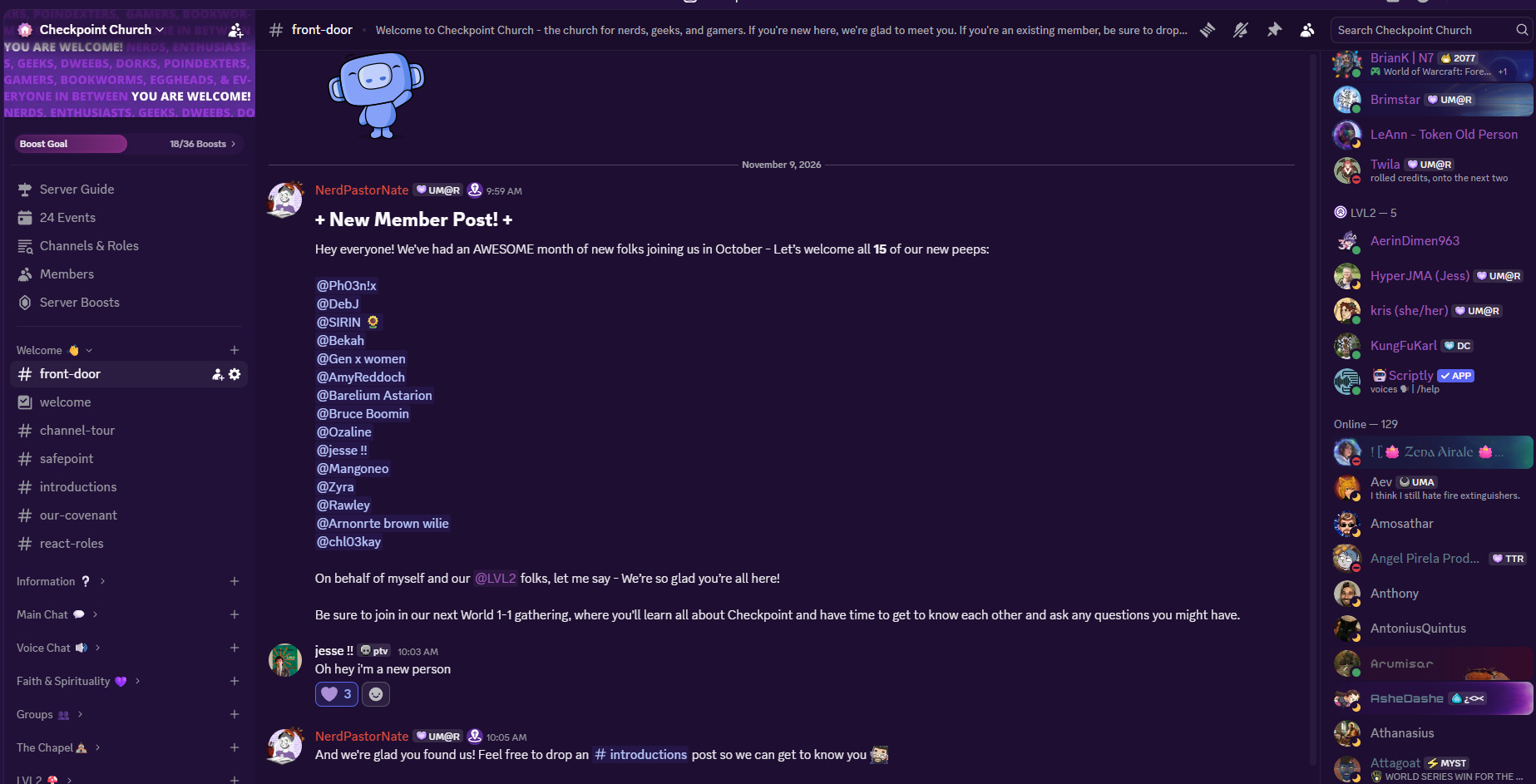
Let’s be honest: the first time you open Checkpoint’s Discord, the sidebar looks like a lot. A lot of folders, a lot of channels, a lot of little nooks and crannies. It’s a growing community with plenty to do, and that shows.
So this series of posts is a walkthrough. What everything is, why it exists, and how we’d love to see you use it. We’ll take it one section at a time, starting at the very beginning.
Two quick tips before we start
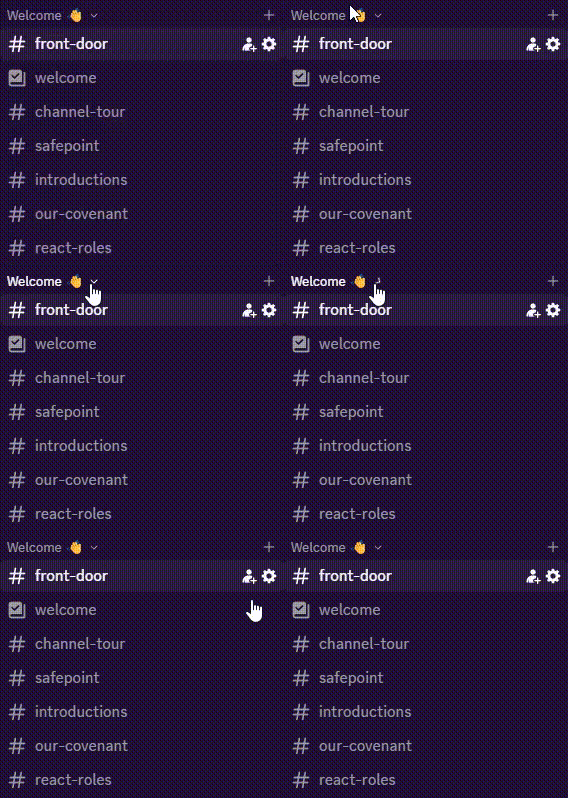
You can collapse every folder in the sidebar. Once you do, any channel with new messages will still pop up on its own, so you don’t have to scroll through everything to find what’s lit up. If someone pings you by username or by one of your roles, you’ll see a little red circle too.
The sections are in a deliberate order. We built the sidebar to walk you through a journey: you start with Welcome and Information, move into Main Chat, then Voice Chat, Niche Chat, Faith & Spirituality, and finally Groups. The idea is that you get to know us on the surface first, then go deeper as you feel ready. But that’s a suggestion, not a rule. If you want to jump into a group on day one, go for it.
The Welcome section
This is the front door. Here’s what’s inside:
Welcome. Basic rules and a good first look at how we operate.
Channel Tour. The walkthrough you’re reading a version of right now.
Covenant. Our three covenant statements, which you can opt into here.
Safe Point. Our safety policy, which is also available on our website.
React Roles. This is how you pick up roles like your preferred pronouns, your region of the world, or the clubs you want to be part of. (If it’s acting up when you visit, we know, and we’re working on it.)
Introductions. Pretty straightforward: tell us who you are.
The Information section
Once you’ve said hello, this is where you find out what’s going on.
Announcements. We keep this one for things that don’t happen very often, like a new Checkbox becoming available or our video game, anime, and book clubs announcing their picks for the month. It’s quiet on purpose, so when something shows up, it matters.
The Feed. This channel is all of our social media accounts piled into one stream. It moves fast. If you’re not on social media and want to see what we’re posting, it’s a way to peek in, but honestly, following us directly on Instagram or YouTube is a much gentler way to keep up.
Schedule Updates. A regular rundown of what’s coming up, pulled from the Events tab.
Help. The most important channel in this section. It gets its own post later in the series, but the short version is that if you have a question, a concern, or you’re lost, this is where you go.
A word about the Events tab
Near the top of the sidebar you’ll find an Events tab, and it’s worth knowing how it works. At any given time we have a lot going on, and much of it repeats. The real purpose of the tab is for you to RSVP. When you RSVP to an event, you get a ping so you don’t miss it.
You can sync it with your phone’s calendar if you want, but plenty of folks do something simpler: they only RSVP to the one or two events they actually care about, like our weekly lunch, and let the rest go by.
Also worth knowing: if you ever find that a channel you expected to see isn’t in your sidebar, check the Channels & Roles tab. You can add channels back from there.
Where to go from here
That’s the front door and the information desk. Once you feel oriented, the next step is the fun part, which is jumping into conversation.
Next up: Main Chat, including how our fandom “geek-outs” work and why we set them up the way we did.